
A screenshot sorter for Android
Your screenshots, sorted.
That film, that recipe, that place you meant to visit. Sortella files them for you.
Take a screenshot like you always do. Sortella reads the words in it on your phone and puts it in the right collection, so you can actually find it again.
Free · No Sortella account · Android 8.0 or newer
What it does
Screenshots are how we save things for later, and then they vanish into the camera roll. Sortella turns that pile into tidy collections you can open, search and edit.
How sorting works
Not sure? It goes to Other. When a screenshot doesn't clearly fit, Sortella puts it in Other instead of guessing. You can move any card yourself, and Sortella remembers your choice.
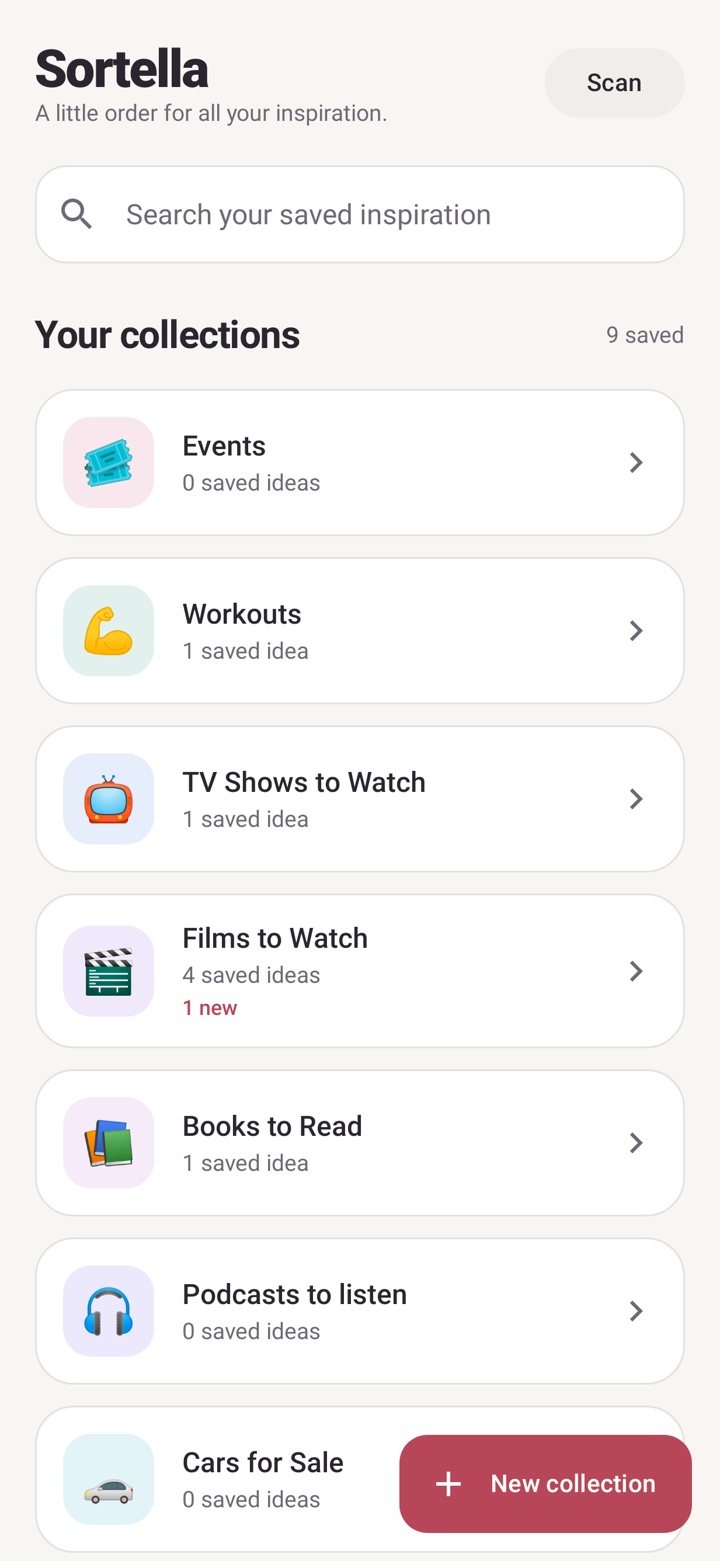
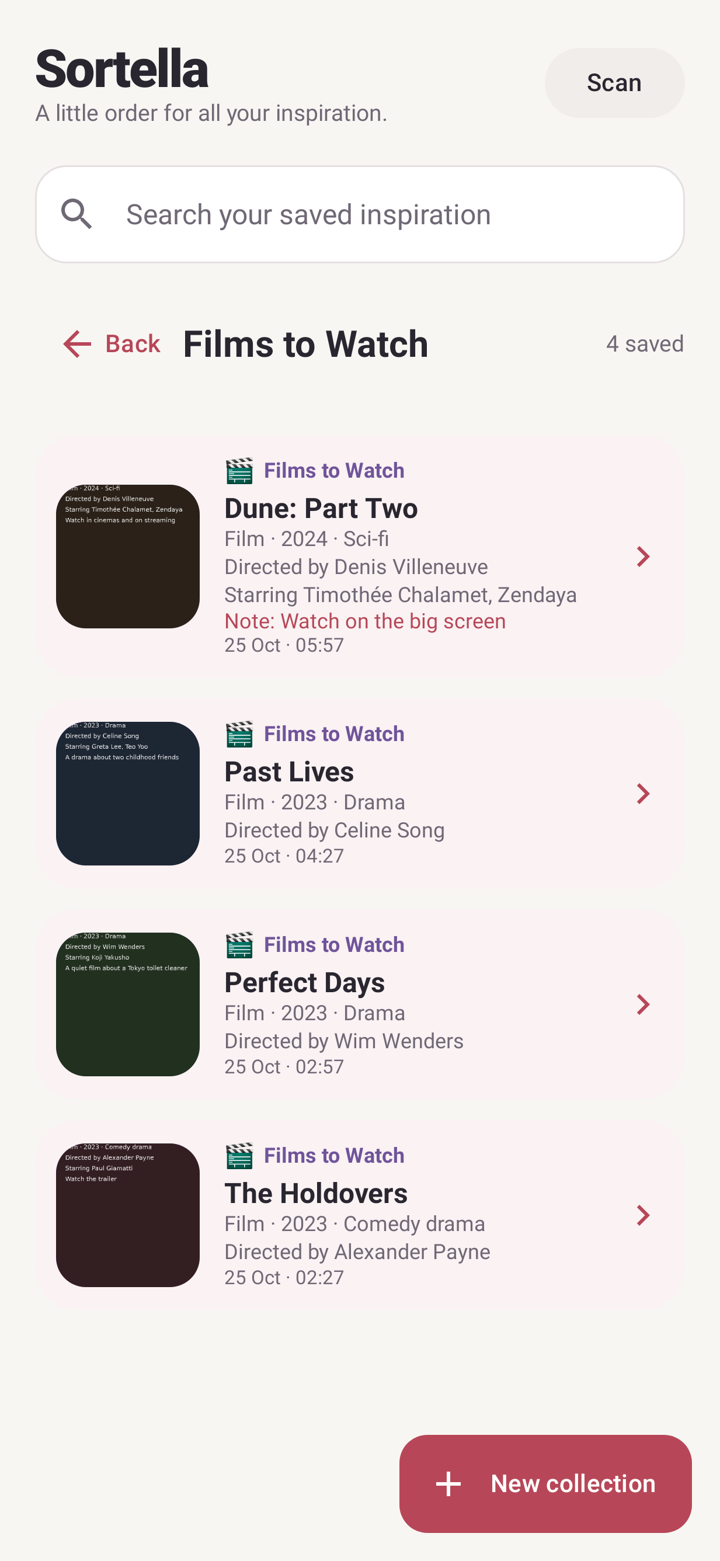
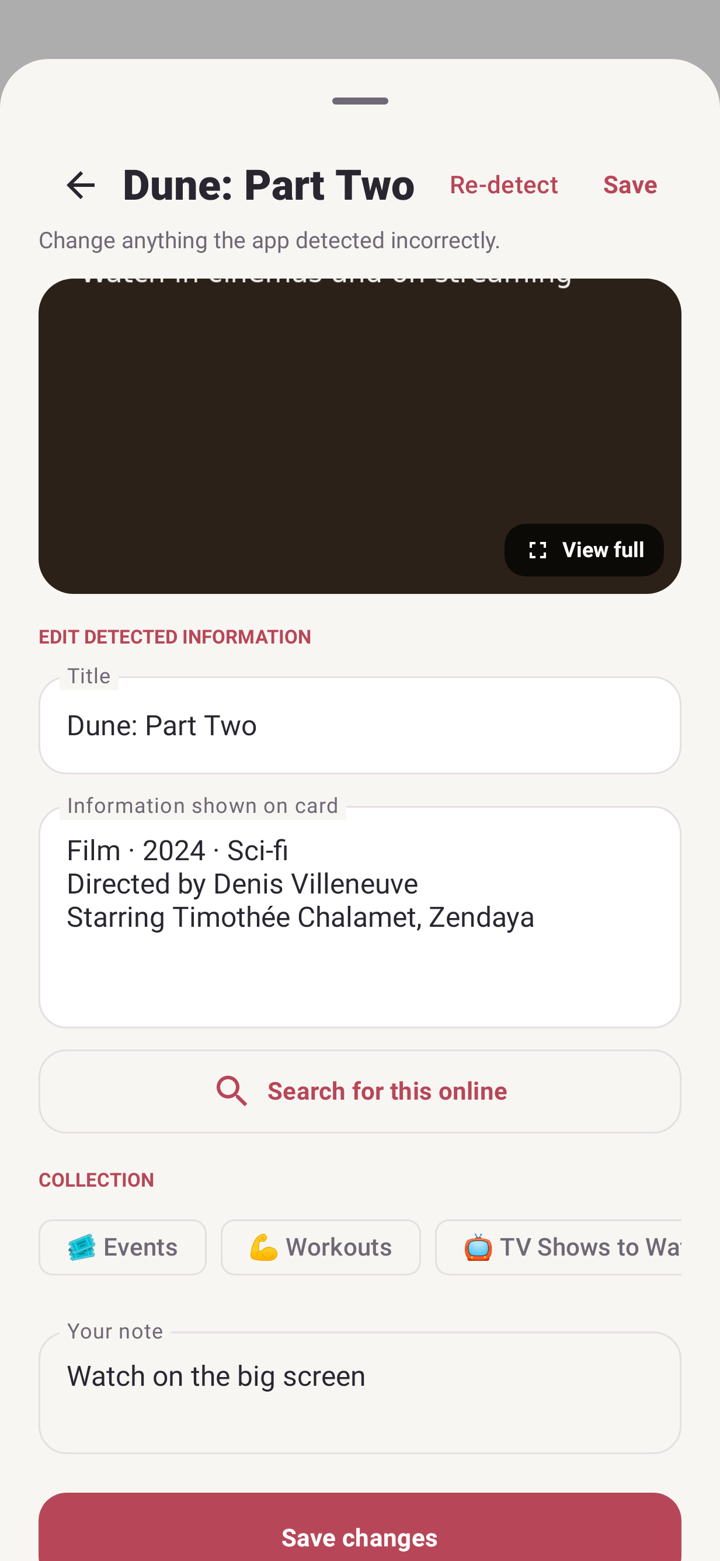
A look inside Sortella
Real screens from the app, filled with sample screenshots.
Download
Sortella is an Android app for Android 8.0 or newer. For now it's a test version that you install yourself, outside Google Play.
Version 1.30.21 · Android APK · 104 MB
Installing: open the downloaded file on your phone. If Android asks, tap Settings and turn on Allow from this source for your browser or Files app, then go back and tap Install.
Android will warn you because the app isn't from Google Play. When it asks, allow photo access so Sortella can find your screenshots. On Android 14 and newer, choose full access if you want new screenshots picked up automatically.
Why I made Sortella
As someone with ADHD, I screenshot everything, and then I never find them or use them.
So I built Sortella to sort them for me. Now that film, that recipe and that workout are waiting in the right folder, and I actually go back to them.
— Lis, Sortella's maker and first user